
Indication
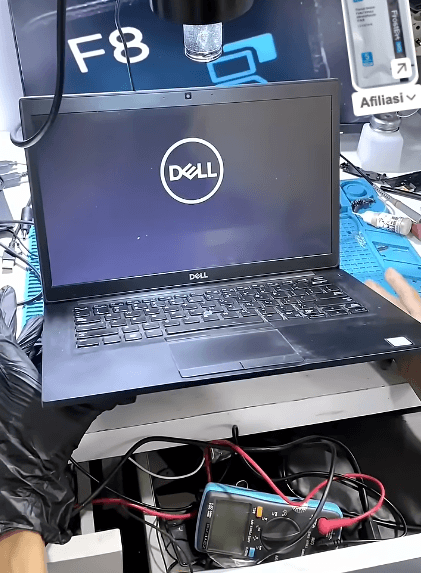
- The indicator light is on but there is no display
- Make sure all power supplies are working properly (3.3V, 5V, etc.) - all checked and normal
- Check all important components such as the power IC, graphics IC, etc.
- Check hardware such as the display connector, including cables/flexibles
Fixing
- A corrupted BIOS IC needs to be re-flashed
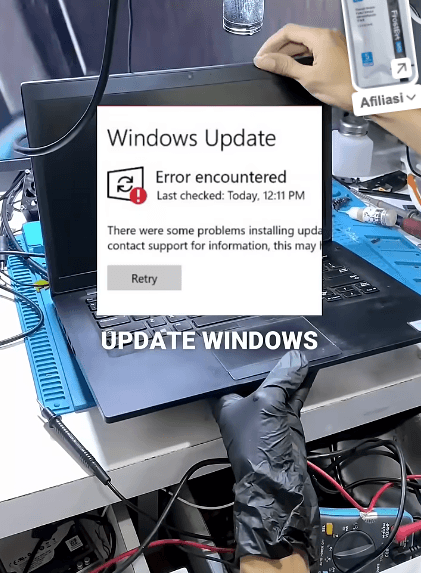
- This can cause the laptop to shut down during an update, resulting in a corrupted BIOS file.